About a software environment for teaching students memory corruption exploits
As part of teaching the module “software exploitation and mitigation” at a university, the students should be able to write exploits for buffer overflows.
Providing a learning environment for students
Oldschool - VM’s
Traditionally in courses and training, at the start the teachers distributed Virtual Machine files, either via Internet or USB Stick. Thats several gigabytes of download, performed at the same time by 10-30 people. Some have VirtualBox installed, some have VMWare Workstation installed - and some will try to convert the provided Image into another format, which takes hours and will most likely fail. Students will ask for the login credentials regularly.
I tried going this way at first, with the Hacking Lab LiveCD. Students downloaded it,
accessed the challenges, downloaded the files and started hacking.
It was cumbersome for everyone involed. Additionally, the LiveCD got updated regularly. This means
it is a moving target: Software upgrades break existing stuff (Python, Peda, GDB, …),
shells are misconfigured in certain situations, Kernel updates change exploit offsets etc.
There’s also the issue of enabling or disabling ASLR for each challenge. This is a system-wide setting, and if it set wrongly the exercises may be unsolvable for the students. It can introduce a lot of confusion. Similar issue exist with challenges being either 32 bit, or 64 bit.
Newschool - All online
Students should not be required to download or install anything - everything should be online. While nowadays this seems to be more common (e.g. Specter Ops working with Apache Guacamole), 6 years ago this was pretty revolutionary.
I created Yookiterm for this. It provides challenges / exercises for the students to work through, and a system to work in. This is just a Linux container for each student on my hosting infrastructure.
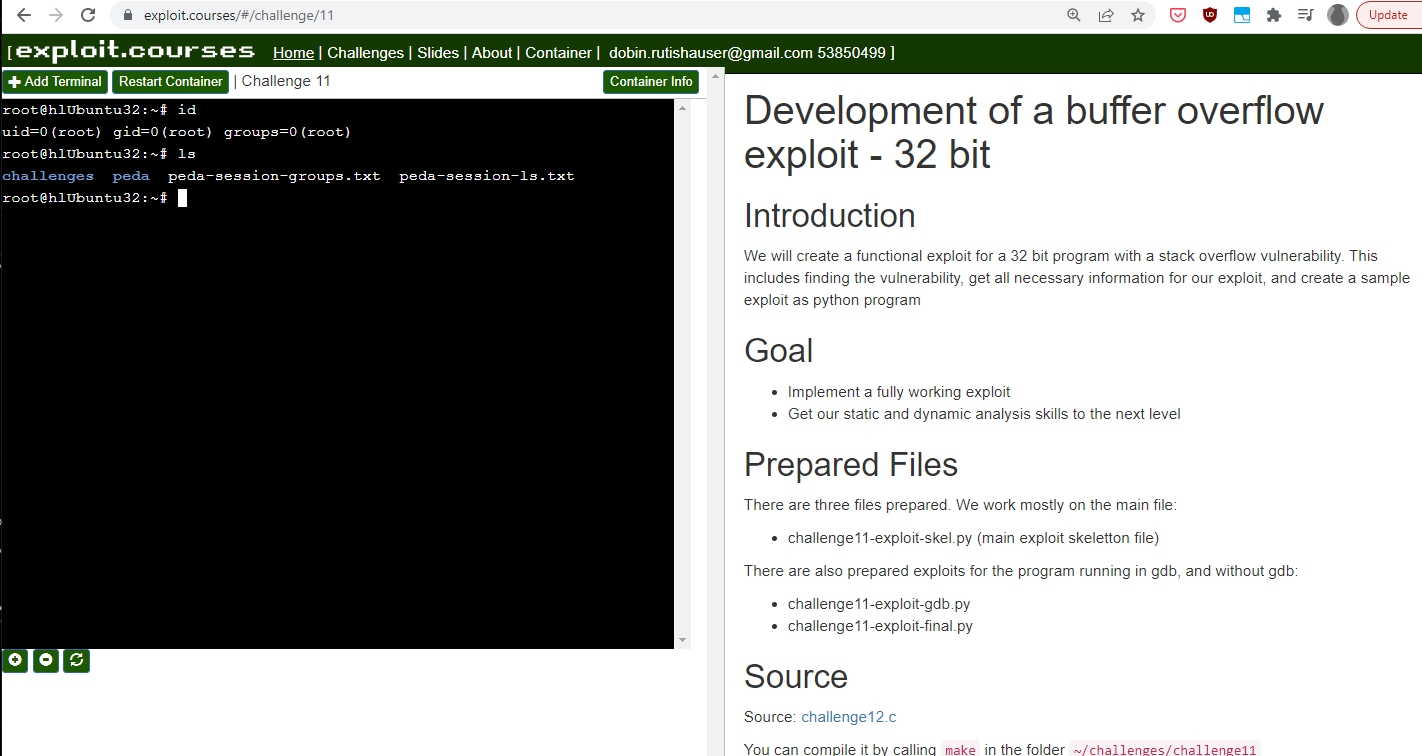
Theres a website on exploit.courses, where students can login, show the available challenges, and start a container for them. The container is a LXC container, a full Linux for the user with root privileges inside. It should not only be accessible via Web, but also via SSH. The latter can be much easier to work with, especially for challenging exercises.
Yookiterm architecture
Yookiterm admin issues
Yookiterm 5 year update
Technical
- AngularJS:
- Xterm.js:
- Yookiterm-server:
- Yookiterm-lxdserver:
Challenges issues
- Introduction’s (debugging with GDB, binutils usage etc.)
- Local exploits
- Remote exploits
There were some pain points:
- Change from 32 to 64 bit
- Change from local to remote exploit
- Using confusing command line arguments in GDB
- Debugging network servers, using
set follow-fork-mode child,attach <pid>, messed up breakpoints…
Point 3. is just extended Linux shell knowhow. Not really important know-how for the students to learn. Can probably just be accepted and copy pasted without thinking much.
Point 4. is annoying. Exploit development aint that much fun if you fight against your own tools. Students may fail to finish exploits just because there are so many bugs and weird behaviour of everything.
Python 2 to Python 3 and Perl
For one, I replaced the inline usage of Python 2:
python -c 'printf "A" * 100 + "BBBB"'
With oldschool perl:
perl -e 'print "A" x 100 . "BBBB"'
Looks the same? Yes, but Python 3 would look something like this:
python3 -c 'import sys; sys.stdout.buffer.write(b"A" * 100 + b"BBBB")'
Instead of installing both Python 2 and 3, with its endless conflicts, I decided to use the Perl version instead.
For the exploits, its pure Python 3.
Testing Shellcode issues
Challenges update
Design philosophy was to do as much as possible as simple as possible, with standard Unix tools. This includes: netcat, objdump, GDB etc.
The new plan is to first do it “oldschool”, but always use GEF in a minimal configuration, and then quickly introduce pwntools.
- Introductions: Oldschool
- Local 32bit exploit: Oldschool, command line argument overflow
- Local 64bit exploit: Introduce pwntools, readline overflow
- Remote 64bit exploit: Just use pwntools
I hope that this:
- Reduces pain points
- Makes it more comfortable to develop exploits
- Makes it still transparent what is going on
Pwntools
Pwntools is awesome. It is magic. But this may confuse students, for example when it automagically opens tmux screens - what if the student never heard of tmux?
Nevertheless I decided after much consideration that the advantages outweight the disadvantages. Using a command line argument overflow is easy to use directly in GDB. But with pwntools, it is more intuitive to give the overly long buffer to the program via stdin (e.g. gets()). This also neatly leads to the concept of tubes/pipes, and makes writing the remote exploit more intuitive.
GEF
Plain old GDB is ok, but I tried using peda to improve the experience for the
students. Looking at it objectively, it created the opposite. It shows a lot of
unecessary information, bombarding the student with weird looking data where one
can easily get lost.
How hitting a breakpoint looked before, with unconfigured peda:
How higging a breakpoint looks now, optimized gef:
- Show source code (compile all with debug symbols)
- Show only the most relevant registers
- Hide all additional information (resolve memory addresses and therelike)
- Show GDB status clearly
- Colors!
Organizational challenges
Updating any challenge is fractal and recursive.
- Challenge C file gets a update
- Corresponding challenge writeup needs to be redone (partly, or completely)
- The challenge had a copy of the C file source code - which quickly differentiated
- Previous challenges with the same, or very similar, C file needs to be updated too
- Slides need to be updated
So, every change cascaded into hours of rewrites and improvements. This takes a unreasonably amount of time, possibly 10x as much as a student needs to solve it. I did it nevertheless.